
The Problem
If you’re running Docker on a Linux system with systemd-resolved (common on Ubuntu, Debian, and Arch-based distributions), you might encounter DNS resolution failures during Docker builds, especially when installing dependencies from Git repositories.
Symptoms
Your Docker build fails with errors like:
fatal: unable to access 'https://github.com/user/repo.git/':
Could not resolve host: github.com (DNS server returned answer with no data)
The frustrating part? The same Dockerfile builds perfectly on other machines and servers, on yours.
Root Cause
The issue stems from how systemd-resolved handles DNS resolution:
- systemd-resolved uses a local DNS stub resolver at
127.0.0.53 - Your host’s
/etc/resolv.confpoints to this local address:nameserver 127.0.0.53 - Docker copies the host’s
/etc/resolv.confinto containers during build - Inside the container,
127.0.0.53doesn’t work becausesystemd-resolvedruns on the host, not in the container - Result: DNS resolution fails
You can verify this is your issue by checking your resolv.conf:
cat /etc/resolv.confIf you see nameserver 127.0.0.53, you’re affected by this issue.
The Solution
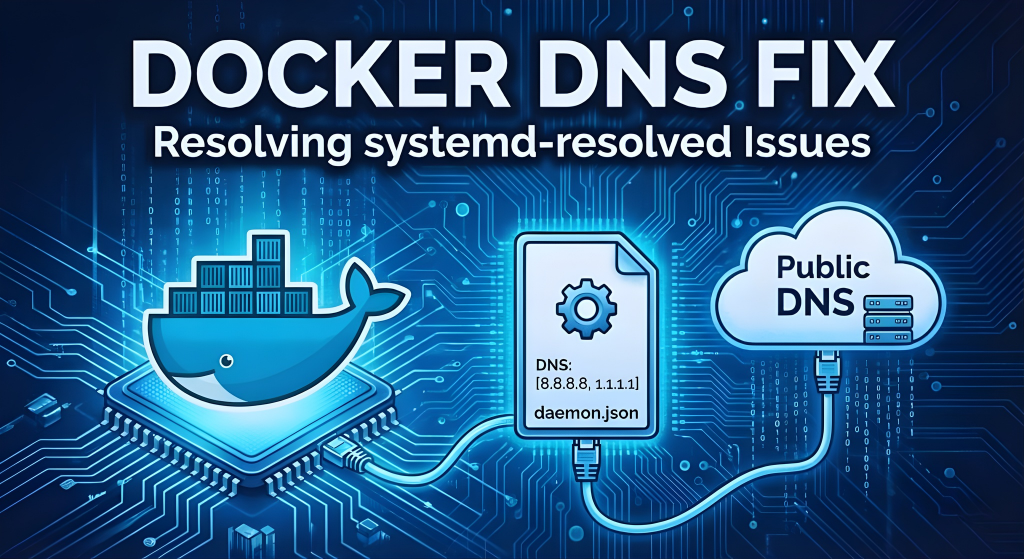
Configure Docker to use public DNS servers globally instead of copying the host’s DNS configuration.
Step 1: Create Docker Daemon Configuration
⚠️ Important Warning: Risk of Overwriting Existing Configuration
The command below will overwrite /etc/docker/daemon.json if it already exists.
- If the file is empty or doesn’t exist: You’re good to go.
- If you have existing advanced configurations (such as
insecure-registries,log-driver,storage-driver, etc.): They will be completely replaced.
To preserve existing settings, merge the DNS configuration manually.
Create or edit /etc/docker/daemon.json:
sudo tee /etc/docker/daemon.json > /dev/null <<'EOF'
{
  "dns": ["8.8.8.8", "8.8.4.4", "1.1.1.1"]
}
EOF
This tells Docker to use:
8.8.8.8and8.8.4.4— Google Public DNS1.1.1.1— Cloudflare DNS
Step 2: Restart Docker
sudo systemctl restart dockerStep 3: Verify the Fix
docker run --rm alpine cat /etc/resolv.confYou should see:
nameserver 8.8.8.8
nameserver 8.8.4.4
nameserver 1.1.1.1
Step 4: Test Your Build
docker-compose build your-serviceWhy This Works
- All containers use the specified DNS servers
- Public DNS servers are accessible from inside containers
- Git dependencies resolve correctly
- Configuration persists across reboots
- No Dockerfile changes required
Alternative DNS Servers
{
  "dns": ["1.1.1.1", "1.0.0.1"]
}
{
  "dns": ["8.8.8.8", "8.8.4.4"]
}
{
  "dns": ["9.9.9.9", "149.112.112.112"]
}
Impact on Existing Containers
- Running containers: Keep old DNS until restarted
- New containers: Use new DNS automatically
- Builds: Fixed immediately
Restart running containers:
docker-compose restartTroubleshooting
sudo cat /etc/docker/daemon.jsonsudo systemctl status dockersudo journalctl -u docker -n 50Ensure valid JSON syntax (no trailing commas).
Why Not Other Solutions?
Other solutions require editing Docker Compose or Dockerfile files, but they come with additional drawbacks.
- ❌ Docker Compose ->
network: host— Security issues - ❌ Docker Compose -> Per-service DNS — Repetitive
- ❌ Dockerfile -> Dockerfile hacks — Break portability
The daemon-level DNS configuration is the correct, permanent solution.
Conclusion
DNS resolution issues in Docker builds are common on Linux systems using systemd-resolved. Configuring Docker to use public DNS servers ensures consistent, production-like behavior and eliminates the classic “works on my machine” problem.
